Google का Nano Banana (Gemini 2.5 Flash Image) ट्रेंड कैसे काम करता है — 15 ready prompts, step-by-step AI Studio तरीका, SynthID watermark, legal tips और monetization ideas। पढ़ें और तुरंत आज़माएँ।
हम चर्चा करेंगे
Gemini 2.5 Flash Image — official features (Google note)
परिचय : Google ने अपनी नई image-editing/generation मॉडल Gemini 2.5 Flash Image (aka “Nano Banana”) लॉन्च कर दी है — यह फ़ीचर-रिच, तेज़ और फोटो-से-3D-figurine बनाने में माहिर है। यूजर्स 1-क्लिक जैसे prompts से अपनी तस्वीरों को 3D игрушка, प्लाश-टॉय या गेम-करेक्टर में बदल रहे हैं — लेकिन साथ में copyright, likeness-rights और monetization के बातों का ख्याल रखना जरूरी है।
🔸Nano-Banana क्या है — एक लाइन में
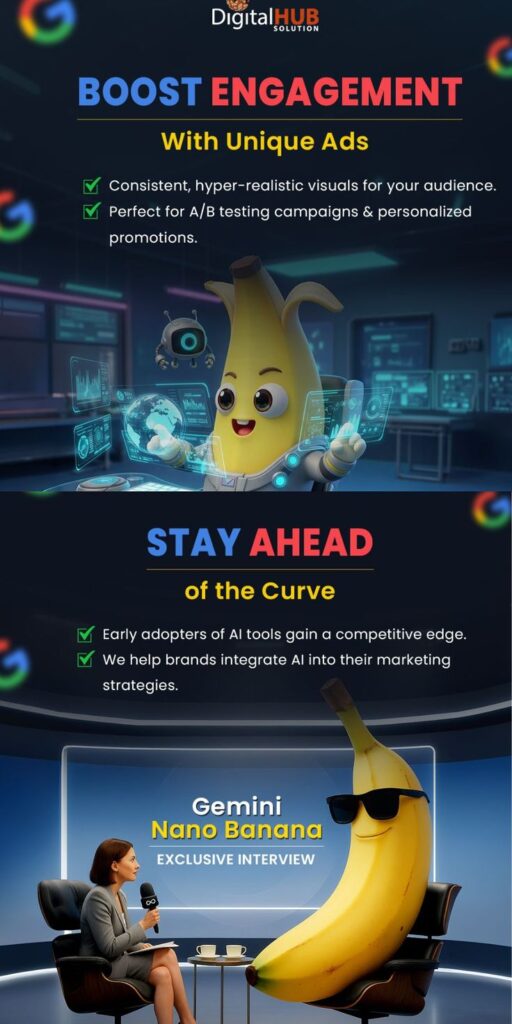
Nano-Banana असल में Gemini 2.5 Flash Image मॉडल का popular nickname है — Google का नया low-latency, high-fidelity image generation & edit मॉडल जिसे Gemini ऐप और Google AI Studio में integrate किया गया है। यह multi-image fusion, character-consistency और targeted local edits (जैसे background replace/pose change) में बहुत बेहतर है।
🔸क्यों अचानक viral हुआ? (trend की वजहें)
- Gemini ऐप पर यह feature इतनी जल्दी viral हुआ क्योंकि यह सादा prompt + एक photo लेकर realistic 3D-style outputs दे देता है — और सोशल पर लोग funny/creative outputs तुरंत share कर रहे हैं। TOI रिपोर्ट के मुताबिक़ ऐप की downloads 10M+ पार कर चुकीं और 200M+ images generate/modify हो चुके हैं — यही viral-moment का कारण है।
- Google ने कुछ official demos और X posts भी किए, जिससे वायरलिटी बढ़ी।
🔸Gemini 2.5 के खास technical points (short)
- Character consistency: एक इंसान/पेट/किरदार को कई outputs में पहचान रखता है।
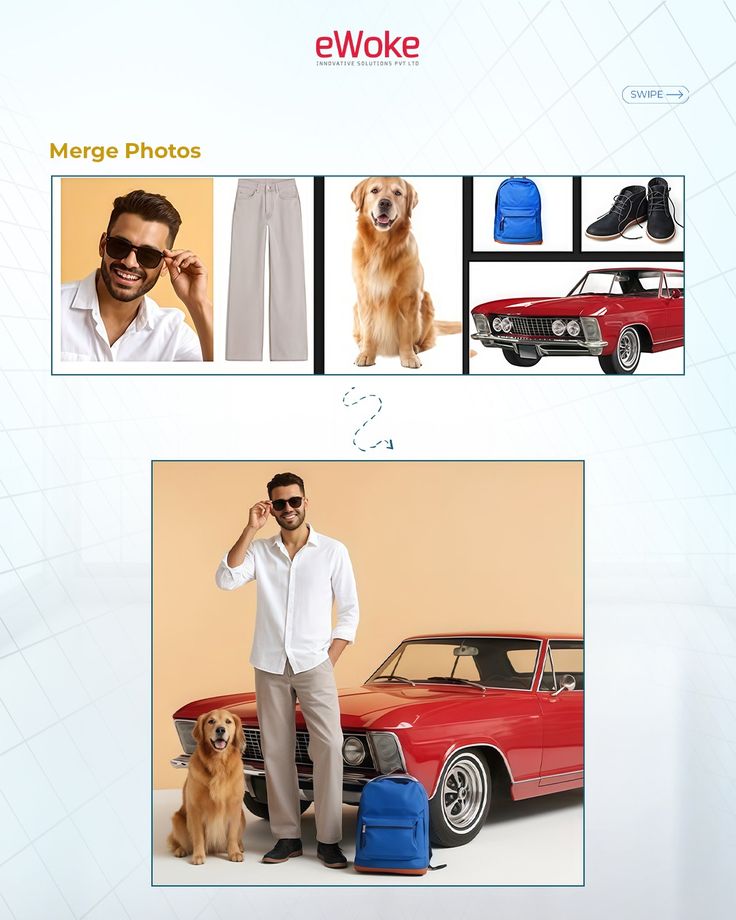
- Multi-image fusion: कई photos को मिलाकर एक coherent scene बना सकता है।
- Low latency & pricing: preview में उपलब्ध; pricing और token model Google ने डेवलपर ब्लॉग पर बताया (Gemini 2.5 Flash Image: $30 per 1M output tokens — approx $0.039 per image in preview docs)।
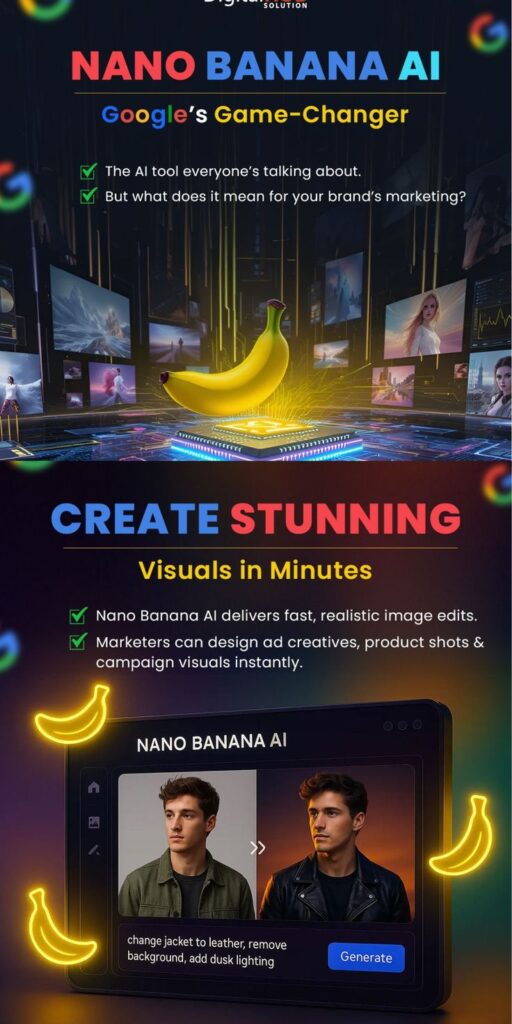
🔸15 Ready Prompts — आप इसे आसानी से उपयोग कर के समझ सकत है । | Nano banana prompt
TOI ने Nano-Banana के लिए 15 उपयोगी prompts की सूची दी — इनको copy-paste करके Gemini AI Studio / Gemini app में इस्तेमाल कर सकते हो:
- Realistic Figurine (1/7 scale) — “Character in realistic style on a computer desk, round transparent acrylic base, toy box with original artwork.”
- Plush Toy — “Cute oversized head, fuzzy fabric, soft lighting, plain backdrop.”
- Anime Figurine — “Manga pose, neon lighting, clear acrylic base.”
- Superhero Action Figure — “Dynamic stance, cape, comic-style packaging.”
- 3D Video Game Character — “Standing on platform, pixelated environment, props.”
- Photorealistic Animal Figurine — “Sitting on shelf, miniature accessories, bright colours.”
- Astronaut Collectible — “Spacesuit, moon base backdrop, round stand.”
- Pop Star Model — “On mini stage, concert lighting, mic accessory.”
- Fantasy Character Toy — “Sword/staff, magical forest, glow effects.”
- Businessperson Figurine — “Suit & tie, laptop prop, stacked books.”
- Hologram Model — “Transparent lines, sci-fi look, tech table.”
- Sports Star Collectable — “Jersey, celebration pose, mini stadium.”
- Cartoon-Style Figurine — “Playful colours, oversized shoes, comic props.”
- Pet Designer Collectable — “Bandana/collar, playful stance, pet bed.”
- Historic Figure Model — “Period attire, old map backdrop, limited edition stand.”
तुरंत copy-paste करोगे तो जल्दी results मिलेंगे — पर results tweak करने के लिए prompt में lighting, material (matte/glossy), scale, base-type जैसे थप विवरण जोड़ना अच्छा रहता है।
यहाँ पढ़ें :- US Army का नई Strategy: TikTok और Instagram Influencers से Gen-Z Recruiting
🔸Step-by-step: Nano-Banana (Gemini 2.5 Flash Image) कैसे यूज़ करें — practical
- Gemini ऐप / Google AI Studio खोलो (gemini.google.com या ai.studio).
- Upload: अपनी photo (single या multiple) upload करो।
- Model चुनो: “Gemini 2.5 Flash Image (preview / Nano Banana)” चुने।
- Prompt डालो: ऊपर के ready prompts में से कोई एक या खुद customize prompt डालो। उदाहरण: “Turn this pet photo into a plush designer collectible with oversized head, soft fabric texture, on a round clear base.”
- Adjust / Remix: background, pose, scale जैसे options tweak करो।
- Export / Download: output save करो — ध्यान: ज्यादातर outputs पर invisible SynthID watermark रहेगा और visible watermark भी दिख सकता है (Google policy).
🔸क्या SynthID और watermark होते हैं? — और क्यों ज़रूरी है
Google बताता है कि Gemini 2.5 से बने या edit हुए images में invisible SynthID watermark लगेगा और visible watermark भी option में दिखेगा — यह transparency के लिए है ताकि AI-generated content identify किया जा सके। इससे misuse tracking आसान होगा।
🔸कानूनी और नैतिक चेतावनियाँ (बहुत जरूरी)
- लाइकेस (likeness) rights: किसी प्रसिद्ध शख्स (celebrity) की photo से 3D toy बनाकर बेचने से पहले उनके likeness/right to publicity की जाँच करो — India में legal scenarios evolving हैं।
- copyright: अगर photo किसी और ने ली है (photographer), तो उनके permission के बिना commercial use करना risk है।
- Trademark / packaging: यदि आप packaged “limited edition” बेच रहे हो तो trademark, labeling कानून देखो।
- Platform policies: Etsy/Shopify/Indian marketplaces की policies check करो — कुछ platforms celebrity likeness से बने items ban कर देते हैं।
- AI-disclosure: जो commercial product हो, उसके साथ mention करो कि यह AI-generated / AI-edited है (transparency).
🔸Monetization ideas (किस तरह कमाएँ)
- Print-on-demand: 3D print partners (Shapeways, Treatstock) से प्रोफ़िट sharing।
- Limited collector drops: Instagram / Telegram / Discord communities बनाकर pre-orders।
- Merch: T-shirts, mugs पर Nano-banana prints (copyright clear हो तो)।
- Freelance gigs: Fiverr/Upwork पर 3D avatar service देना।
🔸Indian users के लिए practical tips
- Data cost और mobile environment ध्यान में रखो — high resolution export heavy होगा।
- अगर commercial plan है तो Google AI Studio/Vertex pricing पढ़ो — small creators पहले free preview में experiment करें।
- Local 3D printing: दिल्ली-NCR, Bengaluru, Pune में कई FabLabs और private 3D services मिल जाते हैं — पहले sample print करवाकर quality चेक करो।
🔸Risks & best practices (short checklist)
- हमेशा original-photo permissions लें।
- अगर celeb/photo public figure है तो right to publicity verify करो।
- SynthID और visible watermark से authenticity track रखें।
- Commercialize करने से पहले terms of service और local laws चेक करो।
- यहाँ पढ़ें :- एनवीडिया के सीईओ जेनसन हुआंग: 10% राजनीतिज्ञ, 90% सीईओ – टेस्ला के एक्सपर्ट डैन आइव्स ने किया खुलासा
6 FAQ (publish-ready)
- Q: Nano-Banana किसे कहते हैं?
A: Nano-Banana Google का nickname है Gemini 2.5 Flash Image मॉडल का — जो photos को तेज़ी से high-quality edits और 3D-style outputs में बदलता है। - Q: क्या मैं किसी की photo से figurine बना कर बेच सकता हूँ?
A: केवल तभी सुरक्षित है जब photo-owner और (अगर celebrity है) उस व्यक्ति की publicity-rights की अनुमति हो; नहीं तो legal risk रहता है। (commercial caution). - Q: क्या Nano-Banana free है?
A: preview और in-app trials होते हैं पर production/large scale पर Google की pricing लागू होती है (Gemini 2.5 Flash Image tokens/pricing)। - Q: क्या generated images पर watermark लगेगा?
A: हाँ — Google invisible SynthID watermark और visible watermark policies लागू करता है ताकि images को AI-generated identify किया जा सके। - Q: किस तरह के prompts best काम करते हैं?
A: specific prompts — scale (1/7), material (plush/matte), base type (acrylic/round), lighting (soft/neon) और props का विवरण मिलाकर लिखें। TOI की 15 prompts लिस्ट useful है। - Q: India में 3D printing कहाँ करवा सकता हूँ?
A: दिल्ली-NCR, Bengaluru, Pune में FabLabs और private 3D vendors हैं; online global services जैसे Shapeways, Treatstock भी option हैं — लेकिन shipping/clearance का ध्यान रखें।
स्रोत
- Times of India — “Nano Banana trend: 15 easy prompts…” (source you gave).
- Google Developers Blog — Introducing Gemini 2.5 Flash Image.
- Google AI Studio / Gemini pages (SynthID & docs).
- Deccan Herald / Jagran (trend coverage & examples).